 Coming soonFree on iPhone
Never forget to water your plants  again
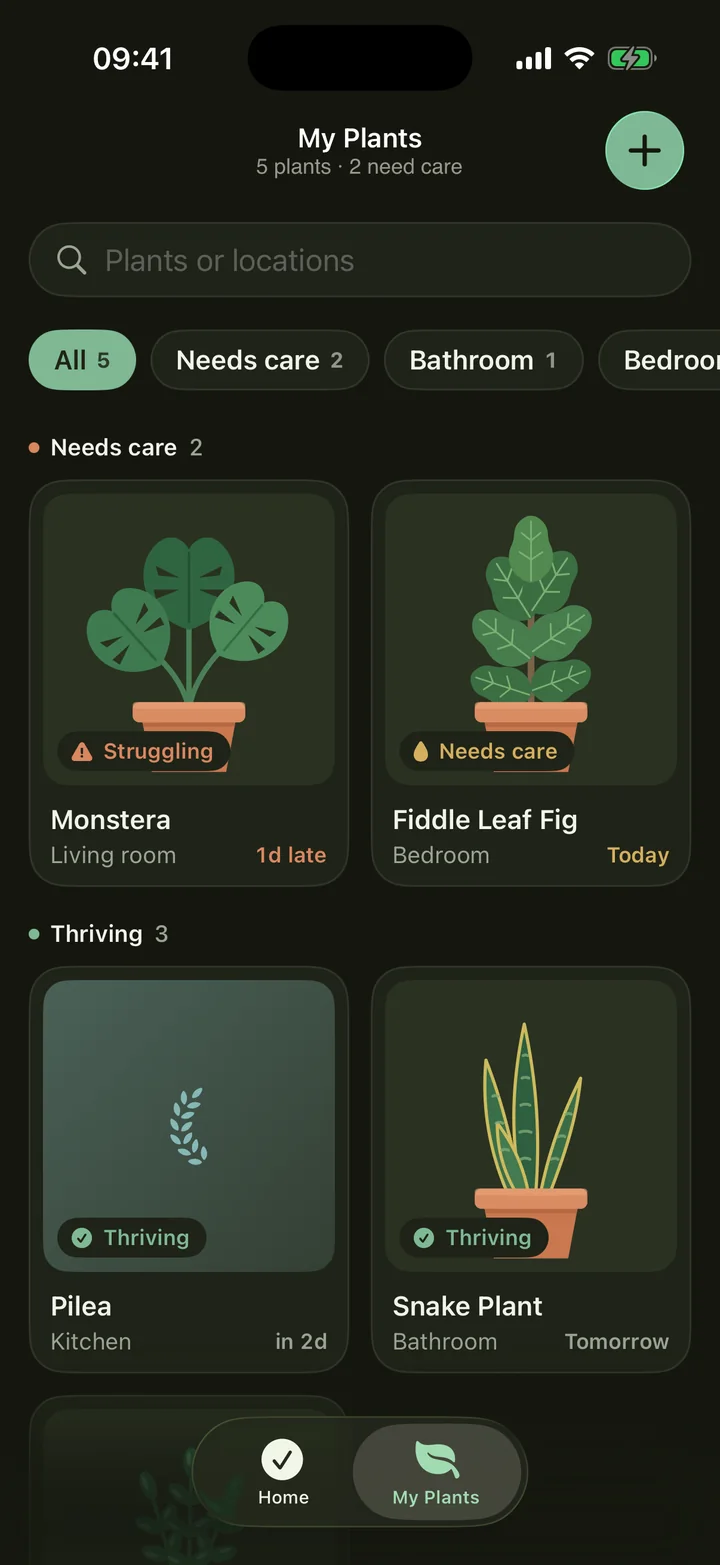
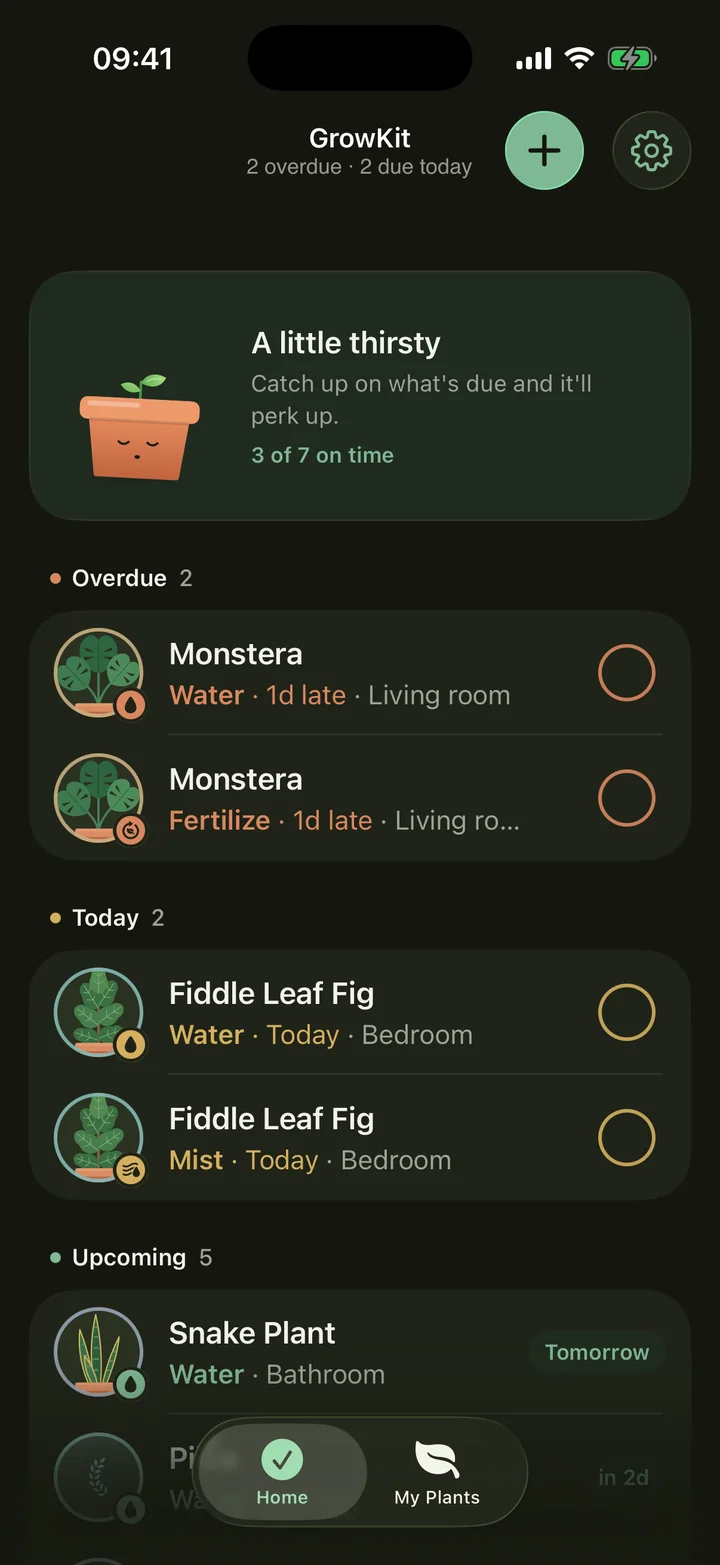
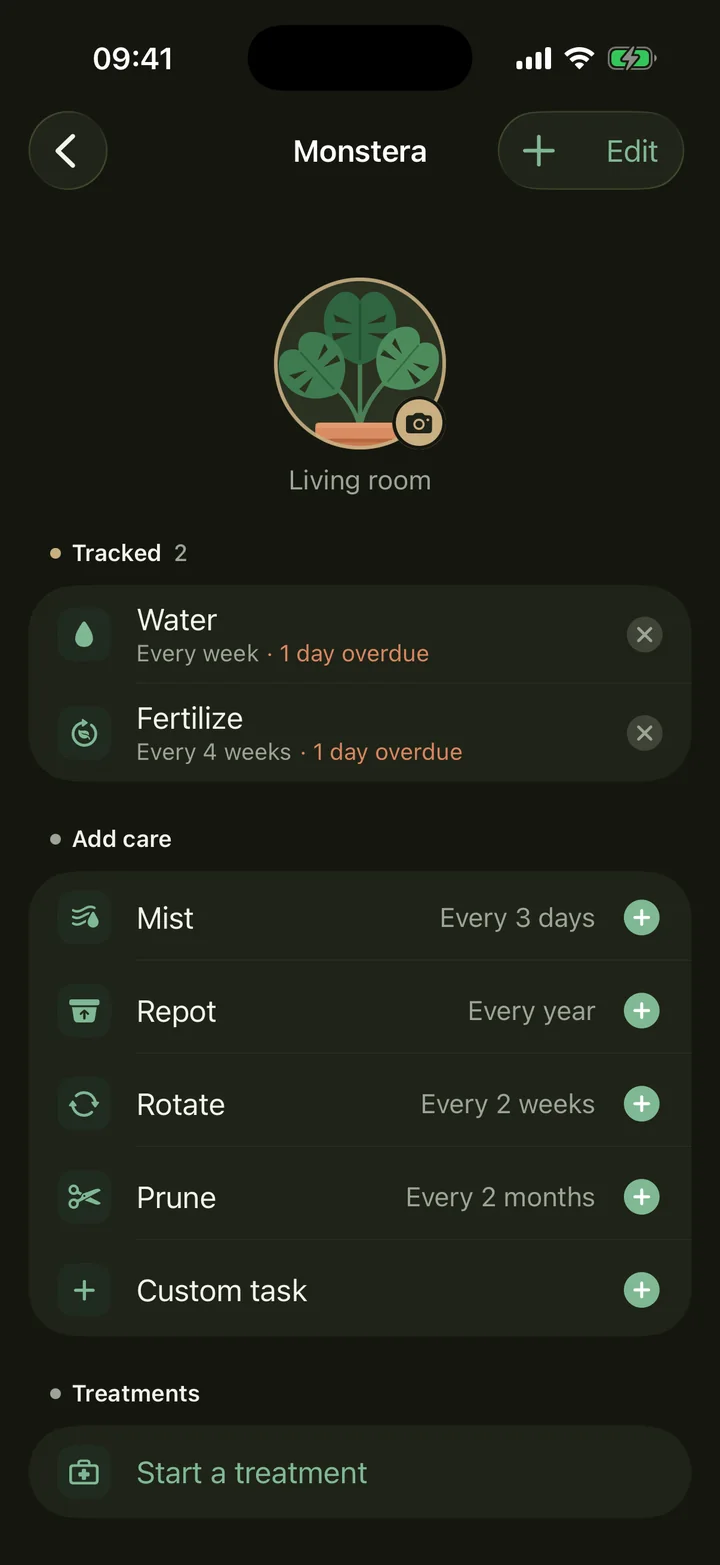
GrowKit is a simple plant care tracker for iPhone. Set a schedule for every plant, get reminders you can tick off from the lock screen, and keep a log of what you did. No account, works offline.


- No account
- Reminders work offline
- Your plants stay on your phone
One app for every plant you own
From the cactus you water twice a month to the basil that wants it every three days. You set the schedule, GrowKit remembers it.
Built for real life, not streaks
Plants don't care about your calendar. GrowKit bends around late waterings, rainy weeks and holidays.
Reminders you can act on
Done, Did it yesterday, Snooze or Skip, right from the notification. One per task, or a single daily digest at a time you pick.
Counts from when you actually watered
A day late? The next due date moves with you, so one slip doesn't throw off the whole schedule.
A care log for every plant
What was done, what was skipped, and when. Add notes and photos so you remember what worked.
Make it yours
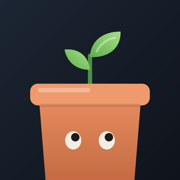
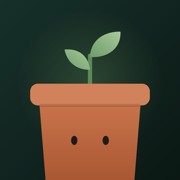
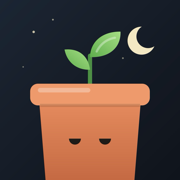
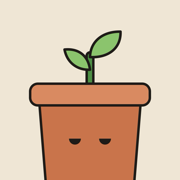
Light or dark, and eight app icons starring the same little pot. Pick the mood that fits your home screen.
Questions
Do I need an account to use GrowKit?
No. GrowKit has no accounts and no sign-up. Your plants, photos and care history are stored on your iPhone.
Does GrowKit work offline?
Yes. Reminders are scheduled on your iPhone, so reminders and your care log don't need an internet connection.
Can I set my own watering schedule?
Yes. Every plant can have several care types, such as water, fertilize, mist, repot, rotate, prune or your own custom task, and each one has its own interval. Plant type presets only pre-fill a starting point that you can change.
How do the reminders work?
GrowKit uses notifications on your iPhone. You can get one reminder per task or a daily digest at a time you choose. From the notification you can tap Done, Did it yesterday, Snooze or Skip without opening the app.
What if I water late or early?
The next due date is counted from when you actually did the task, not from the original schedule, so one late watering doesn't throw off everything after it.
Can I mark plants that are toxic to pets?
Yes. You can add a toxic-to-pets tag to any plant and filter by it. The tag is set by you: GrowKit doesn't include a toxicity database, so check a trusted source such as the ASPCA list and ask a vet if you are unsure.
Does GrowKit identify plants or diagnose problems?
No, on purpose. GrowKit is a simple tracker: you decide the schedule, it reminds you and keeps the log. You can also start a treatment plan to track care for a sick plant or a pest problem.
Is GrowKit available for Android?
Not at the moment. GrowKit is an iPhone app.
Your plants will thank you
GrowKit is coming to the App Store. Want a heads-up the day it lands?
Notify me at launch